> For the complete documentation index, see [llms.txt](https://entity.gitbook.io/entity/llms.txt). Markdown versions of documentation pages are available by appending `.md` to page URLs; this page is available as [Markdown](https://entity.gitbook.io/entity/what-is-entity/surge/high-voltage-campaign.md).
# High Voltage Campaign
Experience the power of Entity Surge for yourself
## Let's turn up the voltage
**WHAT**: High Voltage is a testnet event where you can try out our cross-chain launch module and get rewarded. It is free to join and open for all users. Rewards include 100K Astro Credits for successful completion, plus additional bonuses for hardcore Astronauts.
**WHERE**: The event takes place here:
**WHY**: High Voltage helps battle test Entity Surge before going live with mainnet launches. This allows our community to experience Surge for themselves, report any bugs or feedback, and bring us one step closer to Entopia.
## How to join the Campaign
1. Go to [Entity Surge](https://surge.entity.global/) and click **Log In**.
2. Select **Continue With Email** and enter the email you used for the [Space Race.](https://spacerace.entity.global/) This is required to make sure you receive your Astro Credit rewards.
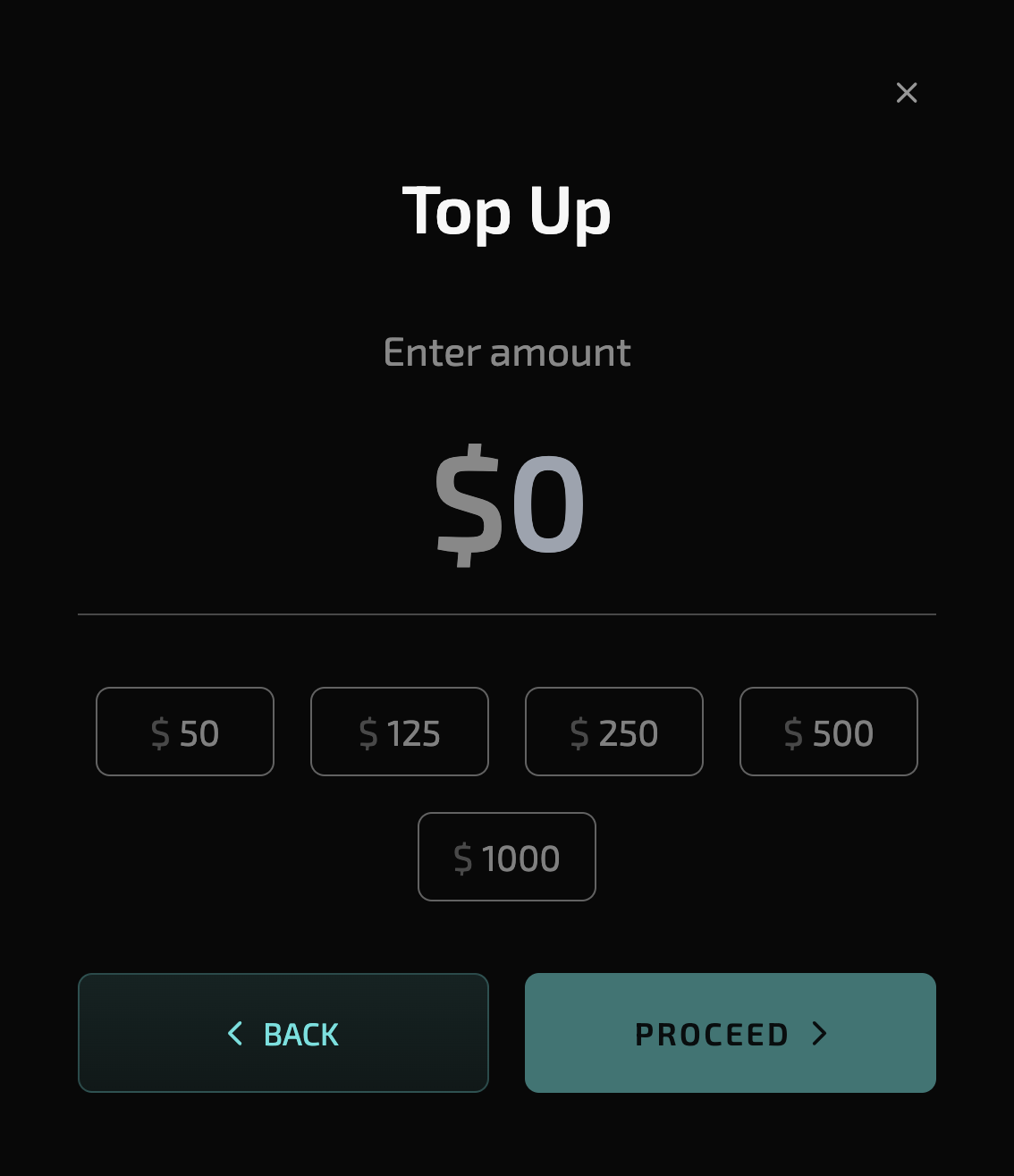
3. Go to [your Account](https://surge.entity.global/account) and click on **Top Up**.
4. Select **Top-up with credit card.** This activates the testnet faucet and does not use an actual credit card.
5. Choose the amount of testnet funds to receive and click **Proceed**.
6. Go to Surge again and select **Ethereum.**
7. Select **Buy More Tickets** and confirm the amount to purchase.
8. **Repeat** the Buy More Tickets phase on the other EVM Network. If you bought tickets on Arbitrum the first time, you must buy them again on Optimism.
9. After the lottery phase ends, select **Claim Tokens**.
{% hint style="success" %}
After successfully completing the test launch on both Arbitrum and Optimism, you are good to go!
Your 100K Astro Credits will be distributed automatically to the Space Race account associated with your email after the event has concluded.
{% endhint %}
Use the 'Top-up with credit card' faucet to receive test tokens
## FAQ
* Is there another way to get test tokens?
* You can request testnet ETH [here](https://cloud.google.com/application/web3/faucet/ethereum/sepolia). You can use the **Top-up with crypto option** to receive funds to your test account.
* How do I know if my test was successful?
* Wait for the lottery phase to end and claim phase to start before claiming your tickets. Then, you can check if you have received tokens on your wallet through the [Arbitrum Sepolia](https://sepolia.arbiscan.io/) or [Optimism Sepolia explorer](https://sepolia-optimism.etherscan.io/).
* How do I claim my rewards?
* Your Astro Credits will be sent automatically to your [Space Race](https://spacerace.entity.global/) account after the event. Make sure the email associated with your Surge account is the same that you used to register for the Space Race.
* Do I need to do the test twice?
* Yes, you need to fully test on both the Arbitrum and Optimism networks to receive your rewards.
* Why can't I buy tickets right now?
* You might need to wait until the end of the next phase to proceed with the testing steps. But don't worry: This process will repeat continuously throughout the event at fixed 1h intervals.
* Can I buy tickets on Optimism and Arbitrum at the same time?
* Yes, you can buy and claim tickets for both networks during the same testing cycle.